Upload your photo
The group shot, the celebration, the one you love.
GOOD PHOTOS DESERVE A SECOND CHANCE
Open closed eyes in photos with AI
Open closed eyes in your favorite photos. Choose one person, add an optional reference, and keep the rest of the moment intact.
Start with your photo →JPG, PNG, WebP · Up to 10 MB · No account needed
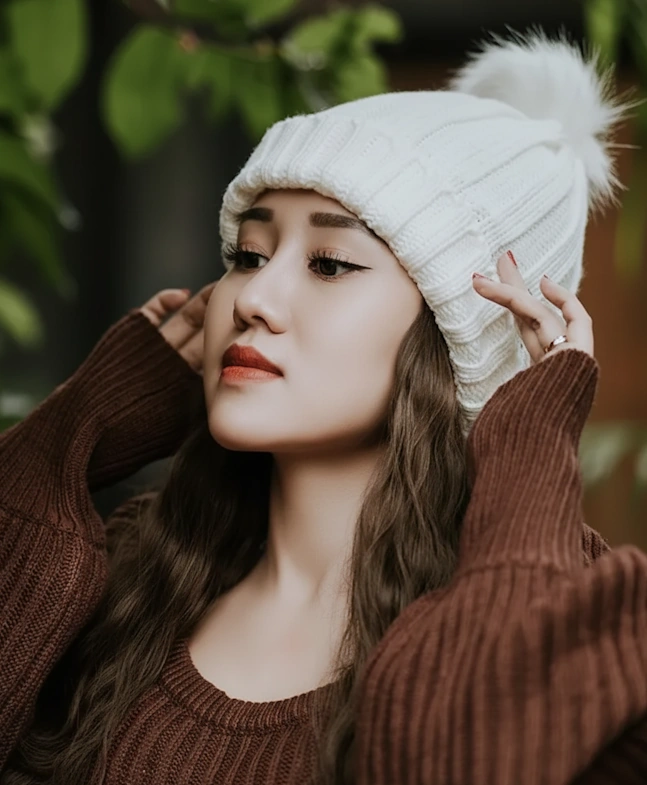
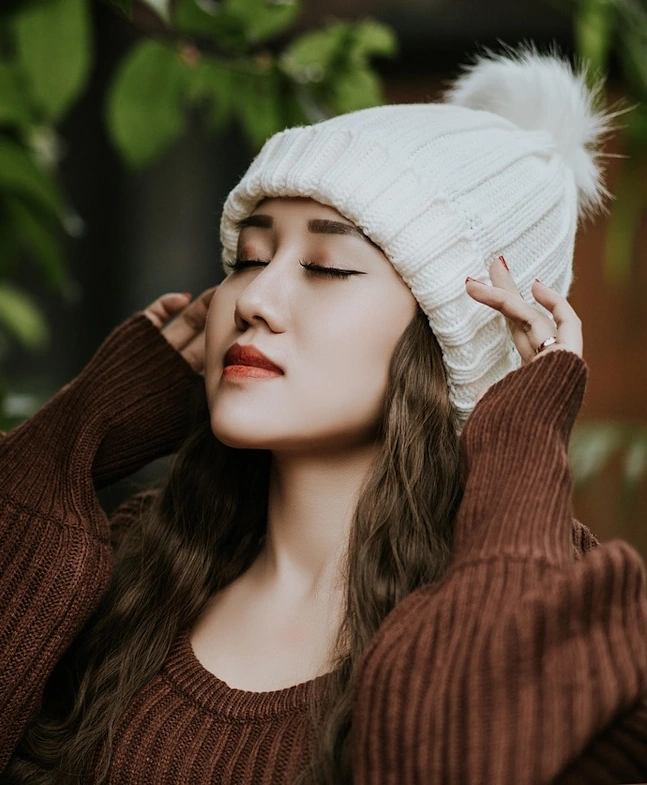 BeforeAfter
YOUR PHOTO, ONE SMALL FIX
Everyone gets 3 free restorations. Sign in with Google — no password, no payment details.
FROM “ALMOST PERFECT” TO A KEEPER
The group shot, the celebration, the one you love.
Tap the person who blinked. You’re in control.
The same person, with their eyes clearly open.
Compare the change and keep your favorite version.
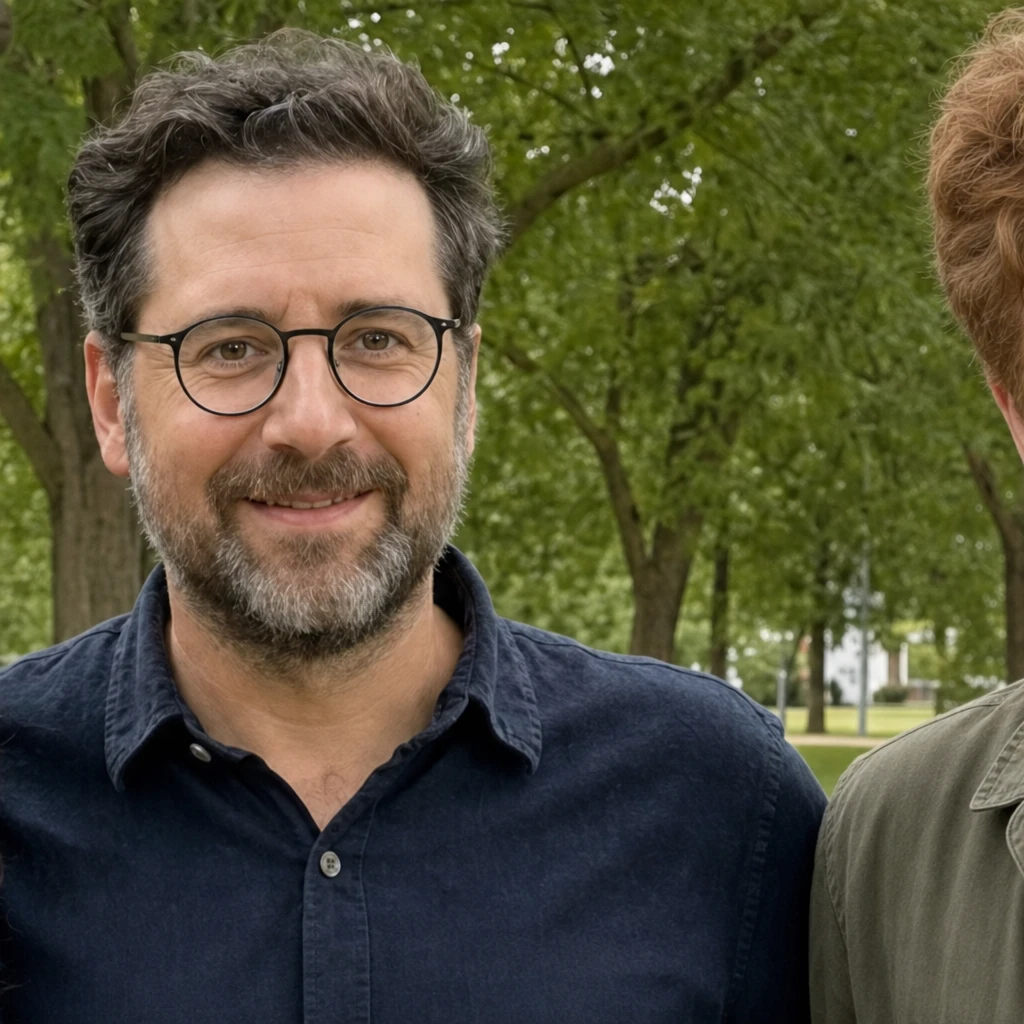 The reference photo
THEIR EYES. THEIR EXPRESSION.
Without a reference photo, AI has to guess the person’s eyes. With MomentRescue, it can use a real photo of the same person as visual reference.
A familiar eye shape. Their natural color. A small edit that respects the photo you already love.
Give your photo a second chance ↗MORE THAN ONE KIND OF MOMENT
Evoto demonstrations, shown with permission. These illustrate Evoto results; MomentRescue results may differ.
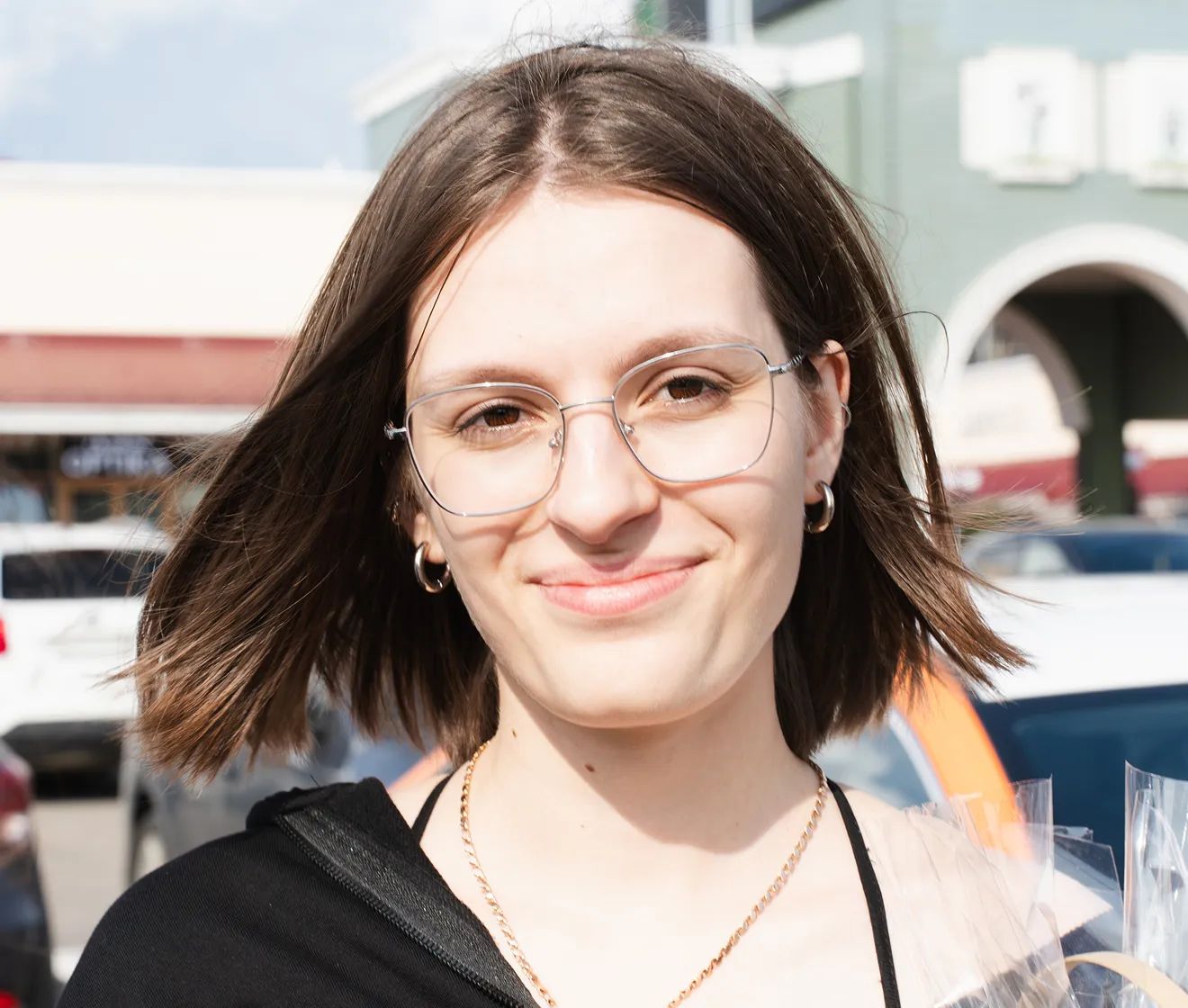
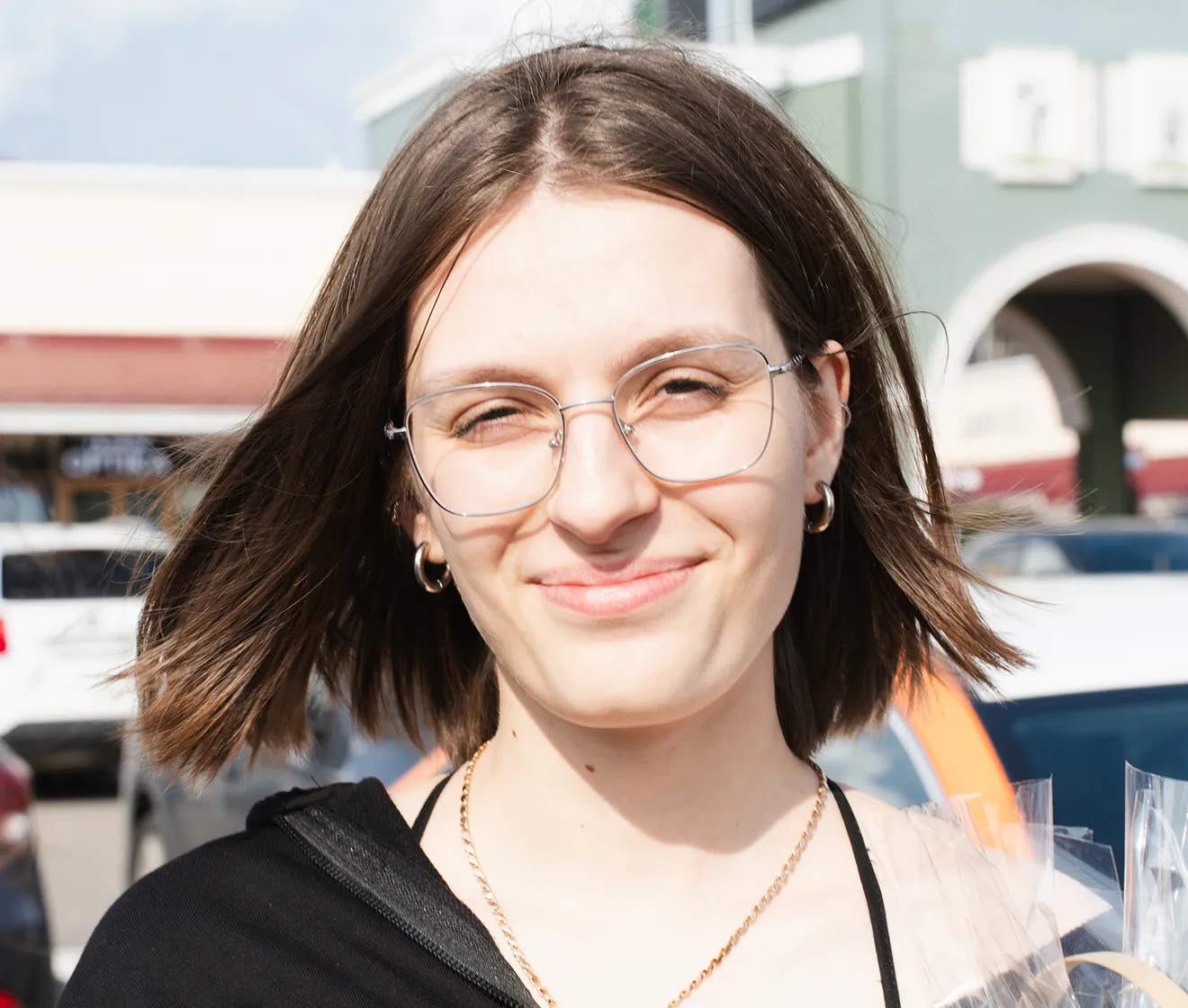 BeforeAfter
Portraits
Look at the eye opening alongside the glasses and bright outdoor light.
Evoto demonstration · View source ↗
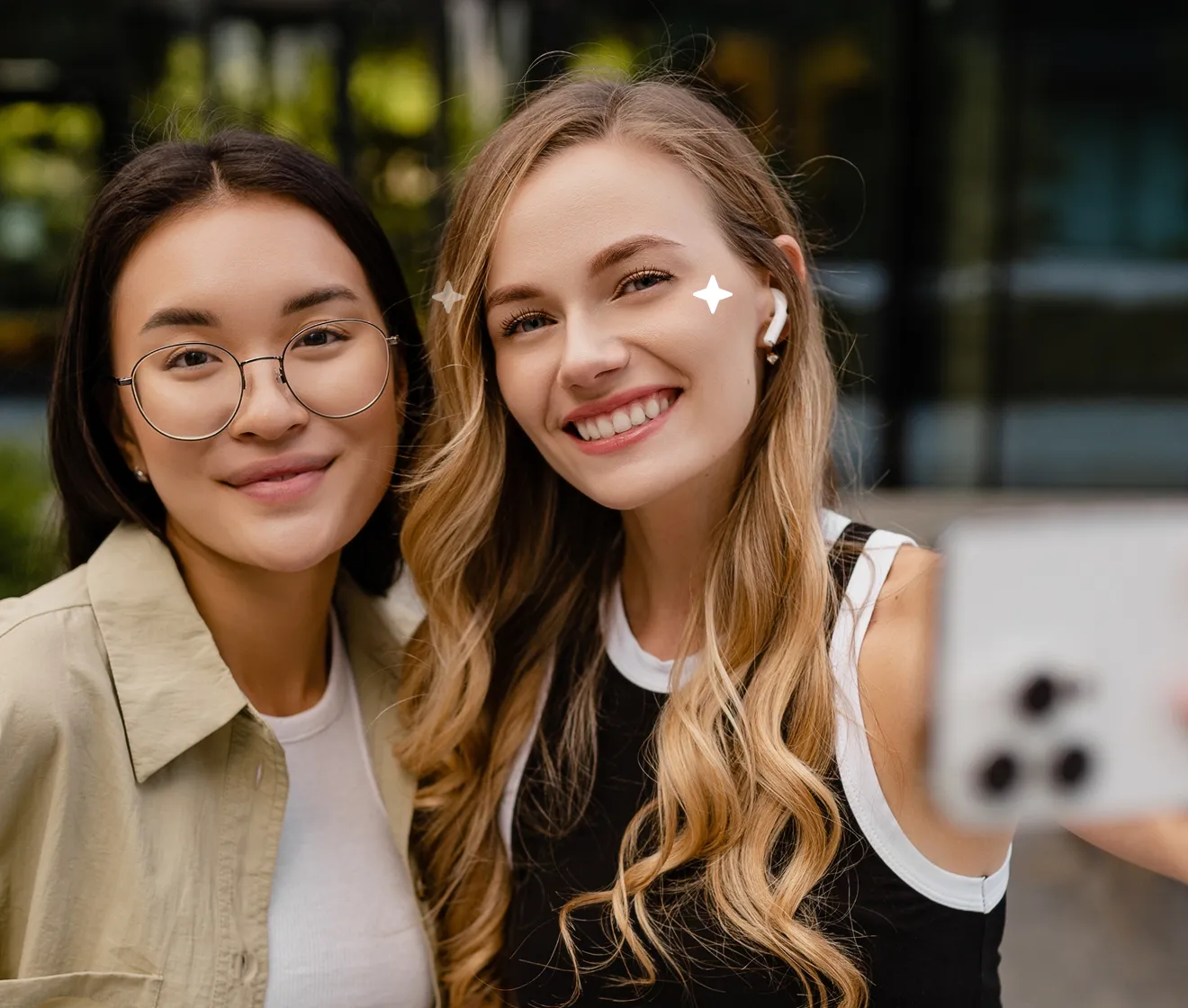
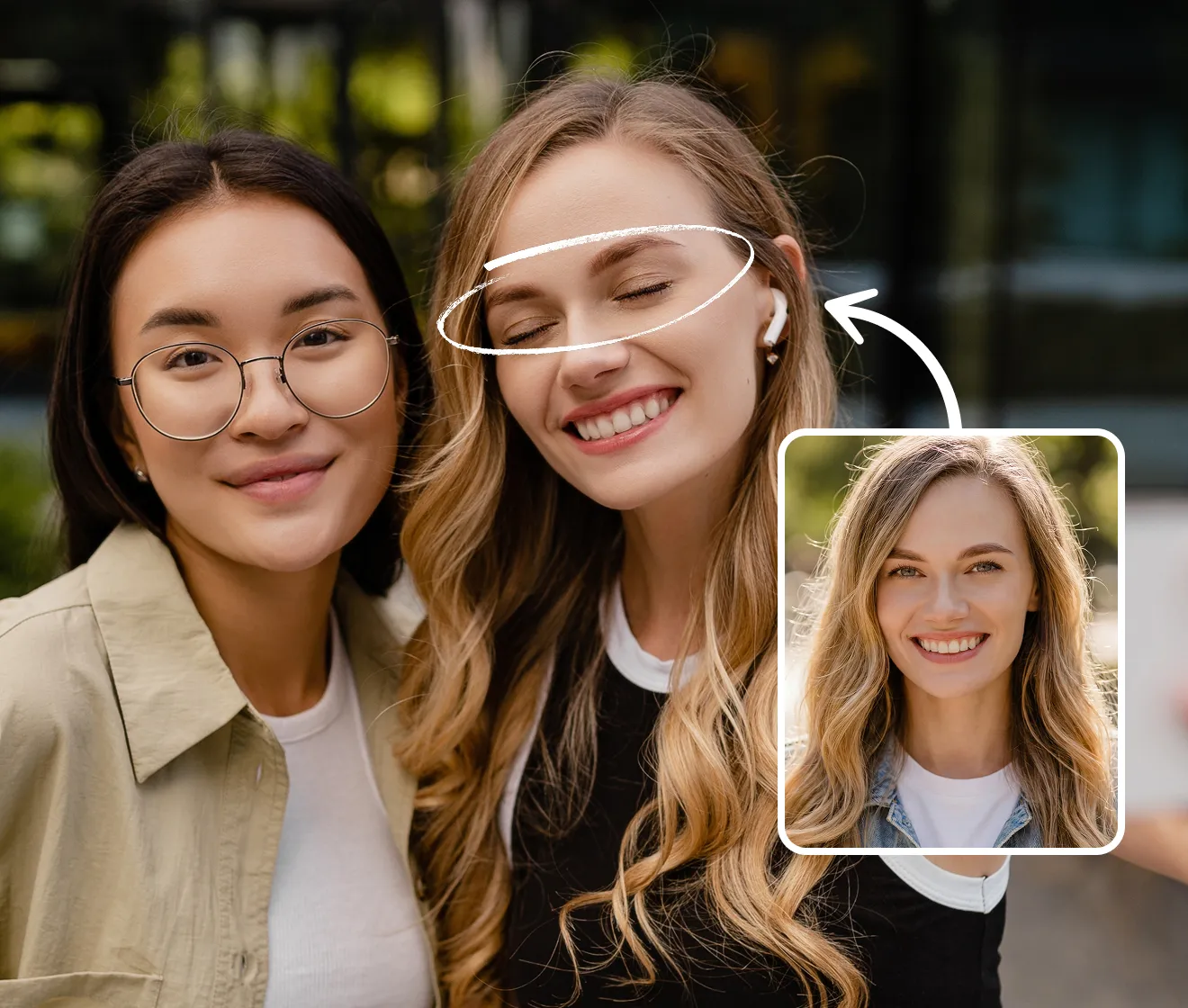 BeforeAfter
Groups
Slide across both faces to inspect the eye changes in this two-person photo.
Evoto demonstration · View source ↗
A FEW THINGS YOU MIGHT WONDER
The generated result is blended into only the selected eye area with a soft edge. Pixels outside that area are copied from the decoded original photo. The result is saved as a new PNG; file metadata and encoding may differ.
It’s optional, but recommended. A real photo of the same person gives the AI visual guidance for eye shape and color. It reduces guesswork, though a perfect match is not guaranteed.
Yes. Choose the person who blinked by tapping their face. If your reference also contains several people, choose the same person there too. Each restoration fixes one person.
Choose a clear photo of the same person with both eyes open and visible. A similar angle and lighting help. Avoid sunglasses, strong side profiles, tiny faces, and blurry photos.
Face detection and final photo assembly happen in your browser. Only crops around the selected faces are sent to our AI processing provider. Temporary local files are removed after processing; we do not offer a photo history. We request a one-hour expiry for provider-generated images. See our Privacy Policy for provider retention details.
Usually about 20–30 seconds, based on our initial tests. Busy periods and more complex requests can take longer.
Try again or choose a clearer reference with a similar angle. Review the before-and-after view before downloading. AI results vary, and the original upload is never overwritten.
Everyone gets 3 free restorations — no account or payment details required. Paid plans for more are coming soon.
THE PHOTO IS ALREADY SPECIAL